
WordPress Landscaping Theme Setup
WordPress landscaping theme setup decides whether your website feels like a generic template or a real sales tool for a working landscape company. The best setup helps a landscaping business present lawn care, patios, fire pits, outdoor kitchens, and service area coverage in a way that makes sense to customers, feels trustworthy on mobile devices, and gives search engines enough detail to rank the right pages. This guide stays practical: map the site, shape the homepage, build the right service pages, show proof, and finish with launch checks that help the website earn more leads.
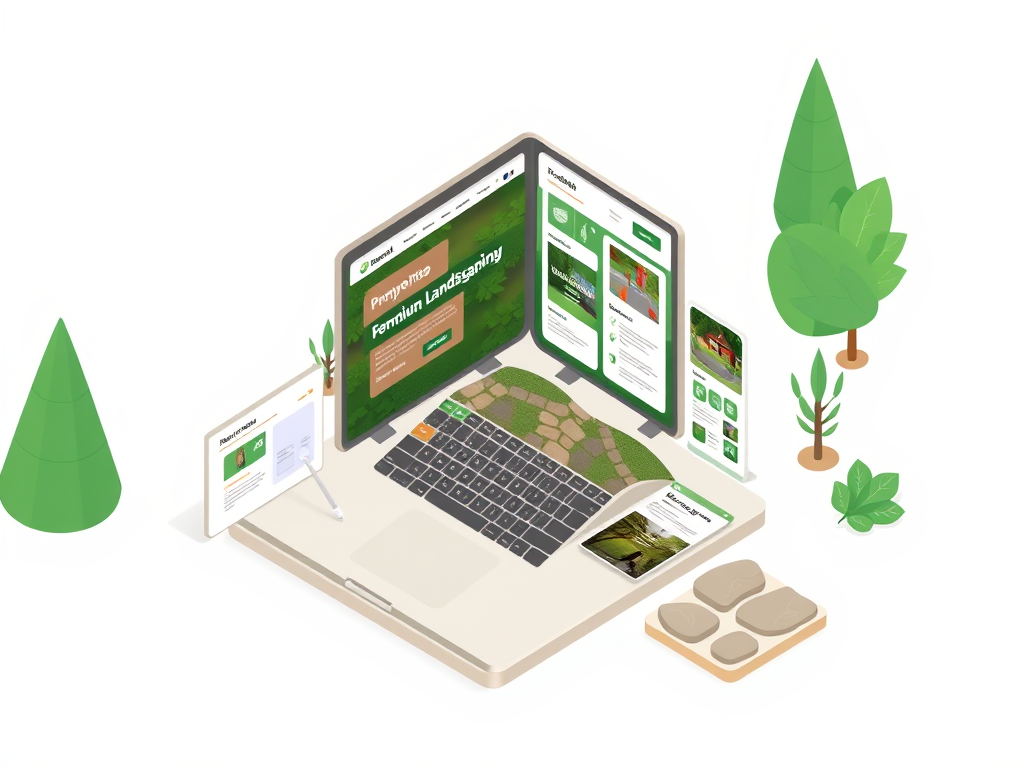
- Map the pages before you style the site.
- Build a homepage that explains services and makes contact easy.
- Create focused service pages instead of one crowded services page.
- Use project proof, reviews, and fast mobile layouts to build trust.
- Finish with local search, simple contact paths, and launch checks.
WordPress Landscaping Theme
Keep the current theme page open while you configure the site.
WordPress Business Themes
Compare the landscaping setup against the broader theme catalog.
Theme Studio Design Guide
Open the design guide when you tune colors, navigation, and style.
Pricing and Launch Options
Use pricing as the next step if setup is moving toward rollout.
WordPress Landscaping Theme Setup
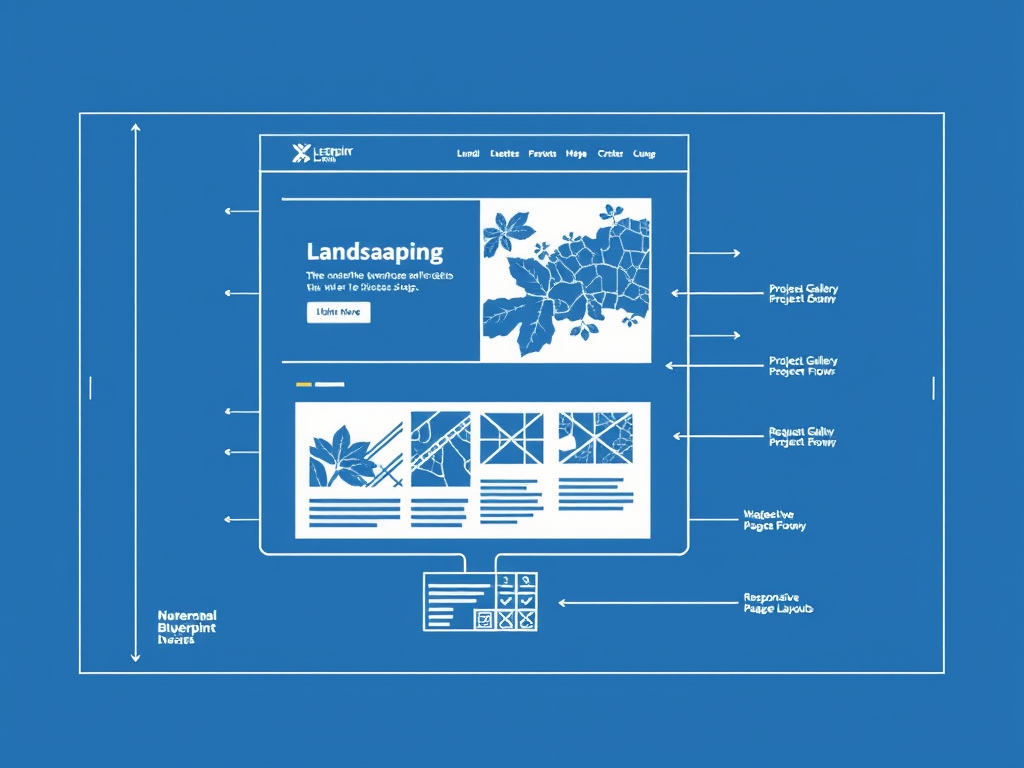
The first job is not styling. It is deciding which pages your customers and search engines need to see. A good landscape company website starts with a homepage, services pages, an about page, a contact page, and a project gallery. If the business serves multiple cities, add service area pages early. That structure gives the website a clear job and keeps the site from collapsing into one long homepage that tries to do everything at once.
This is also where you separate buying intent. Lawn care visitors need a different path than someone pricing patios, fire pits, or outdoor kitchens. A commercial buyer wants different proof than a homeowner looking for curb appeal. When you map those pages first, the landscape company can show the right services, keep a dedicated contact path visible, and leave room for other pages like a blog or case studies later without confusing customers or the team.
Build a Homepage That Turns Visitors Into Quote Requests
The homepage should explain the business in seconds. Say what the company does, who it serves, and which jobs it wants most. If the brand specializes in lawn care, planting work, patios, or outdoor kitchens, say that plainly. Strong landscaping website design does not hide the offer behind pretty images. It uses design to support the offer. Visitors should know where to click, what to request, and why this landscape company feels more professional than the next option.
Keep the most important conversion elements close to the top: a request button, a short service summary, one strong proof section, and a visible phone number. Use customer testimonials where they support the main promise, not buried in the footer. Keep the layout light enough for mobile devices and fast enough that people on a phone do not bounce before they reach the form. That combination is what helps a landscaping website turn search traffic into more leads.
- Clear headline plus service area.
- One primary request path.
- Visible number and proof.
- Fast layout for phones.
- Simple navigation to key pages.
A good homepage also sets expectations for the rest of the website. When visitors can see the company name, the core services, the request path, and a little proof without scrolling forever, the site feels organized. That helps a landscaping business look established even before a customer reads the deeper pages.
Create Service Pages for Lawn Care, Patios, Fire Pits, and More

A landscaping website should not force every visitor through one generic services page. Create separate pages for the work people actually search for: lawn care, planting, drainage, patios, fire pits, outdoor kitchens, and any winter offer. If the company wants commercial work, give that offer its own page so the copy can speak to property managers, schedules, and reliability instead of reading like residential sales copy.
Focused pages improve local SEO because they give search engines a better match for specific intent. They also make the website easier for customers to trust. Each page can show the right project type, the right examples, and the right request path. This is where a landscape company should explain service area coverage, show relevant projects, and keep the promise honest. Good page structure is one of the cheapest ways to attract better visitors without paying for more traffic.
Use Project Proof and Reviews to Build Trust
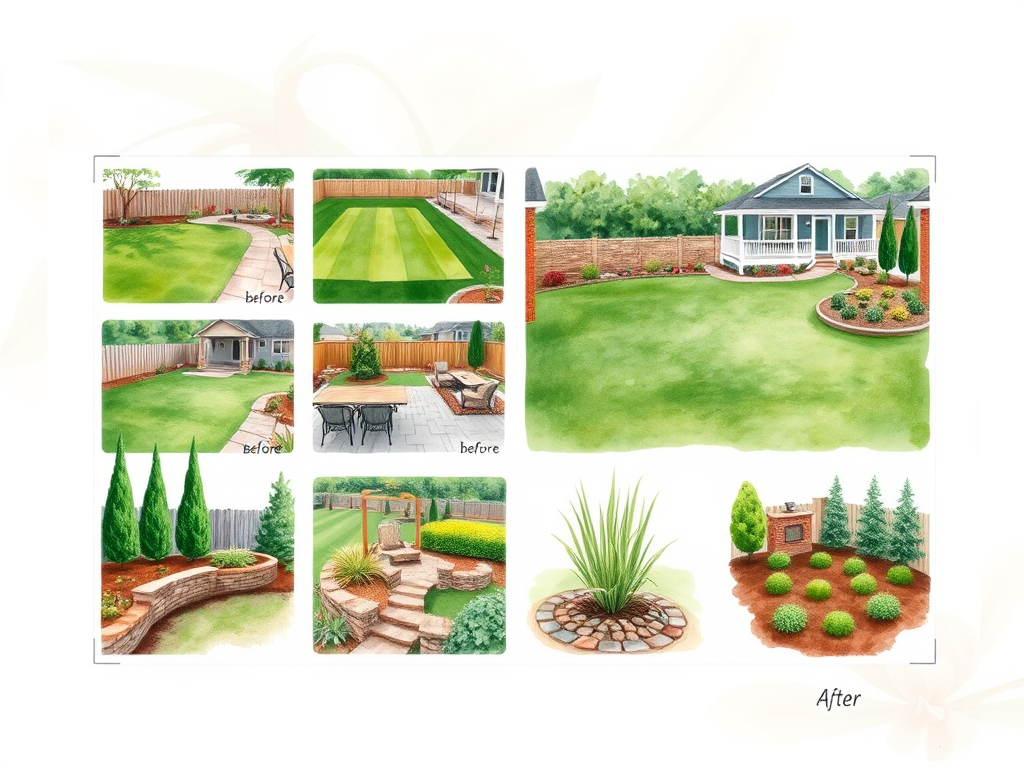
Landscaping is visual, so proof matters. The portfolio is not decoration. It is part of the sales process. Show real lawns, patios, fire pits, outdoor kitchens, and planting work in a clean order that helps customers understand what the company can create. Good landscaping website design pairs those visuals with just enough context to show expertise, location, and scope without turning the page into a wall of text.
Put reviews close to the services they support. A recurring lawn care review belongs near maintenance pages. A craftsmanship review belongs near hardscape projects. This is also where the landscape company can use before-and-after images, short case studies, and a clean portfolio to show detail. When the site reflects real work instead of stock inspiration, it feels more professional, it better reflects the brand, and it gives potential customers a stronger reason to hire the team.
Think of the portfolio as proof that your pages are honest. If the website says the business builds patios and outdoor kitchens, the portfolio should show those projects. If the website says the team handles lawn care or planting work, the images should support that too. A tighter portfolio usually converts better than a messy gallery because visitors can connect the service promise to real examples.
Finish the Setup With Local SEO, Contact Paths, and Launch Checks
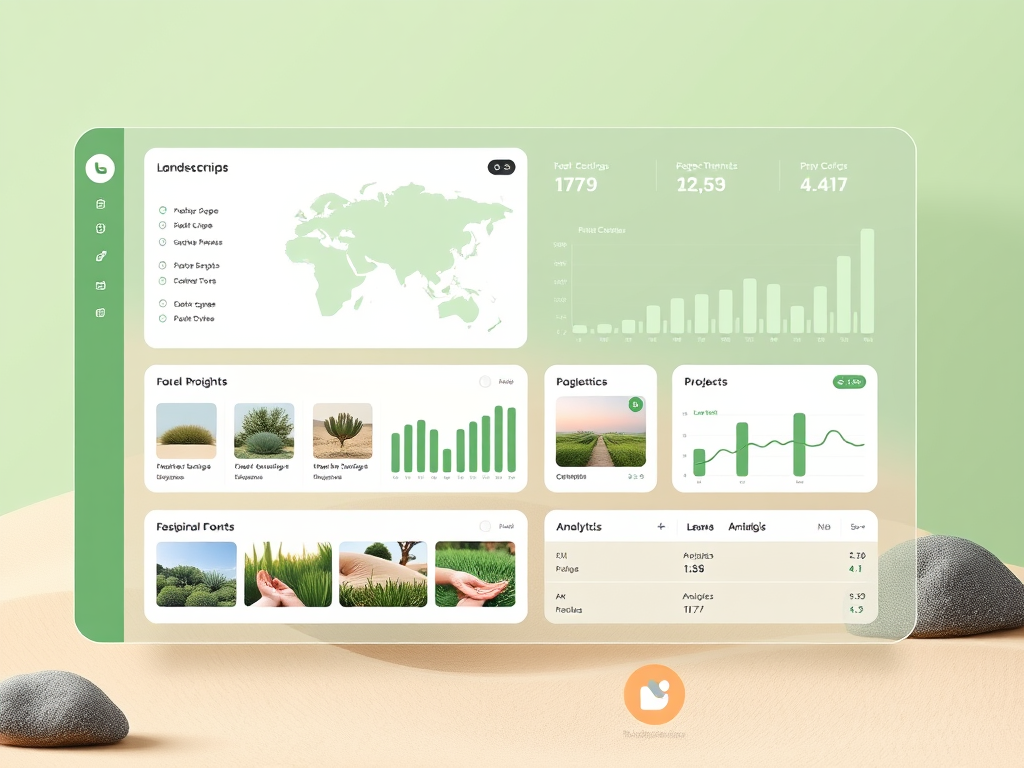
The last step is turning a polished site into a working business website. Review local SEO, page titles, request paths, and launch basics together. Make sure important pages describe the real service area, not a vague region. Keep contact forms short. Decide whether online booking is useful for consultations or walkthroughs. Check that the domain is live, the phone link works, and the site gives search engines enough information to understand the company, the services, and the locations it serves.
Then make a maintenance plan. Add fresh projects, rotate reviews, and use the blog only if the team can publish useful updates about lawn care timing, patios, plant choices, or seasonal work. Strong landscaping website design is also operational: someone has to own updates. The setup cost is not just the theme. The real investment is keeping the website accurate enough to maintain trust. When a landscape company keeps the best pages current, the site has a better chance to attract more leads, support search visibility, and stay useful long after launch.
- Test every request path and call link.
- Review titles, descriptions, and service area wording.
- Compress images so the site stays fast.
- Confirm each key page has proof and a clear CTA.
- Set a simple monthly update rhythm.
A simple launch checklist helps here. Test the request flow in a real browser, open the site on a phone, confirm image compression, review the main navigation, and decide who on the team owns monthly updates. A website usually succeeds because it gets maintained with discipline, not because it launched with the fanciest template.